High-Accuracy AI-Powered Recognition
In the digital age, being able to quickly turn images into editable text is a game-changer. Star Watermark has introduced a powerful Image OCR (Optical Character Recognition) feature that leverages AI Large Language Models to deliver unprecedented recognition rates. Unlike traditional OCR methods that often struggle with complex backgrounds or distorted text, our AI-driven approach understands context and fine details, ensuring that your extracted text is as accurate as possible.
Simple 2-Step Process to Extract Text
We believe that powerful tools should be easy to use. That's why we've streamlined the OCR process into two simple steps:
-
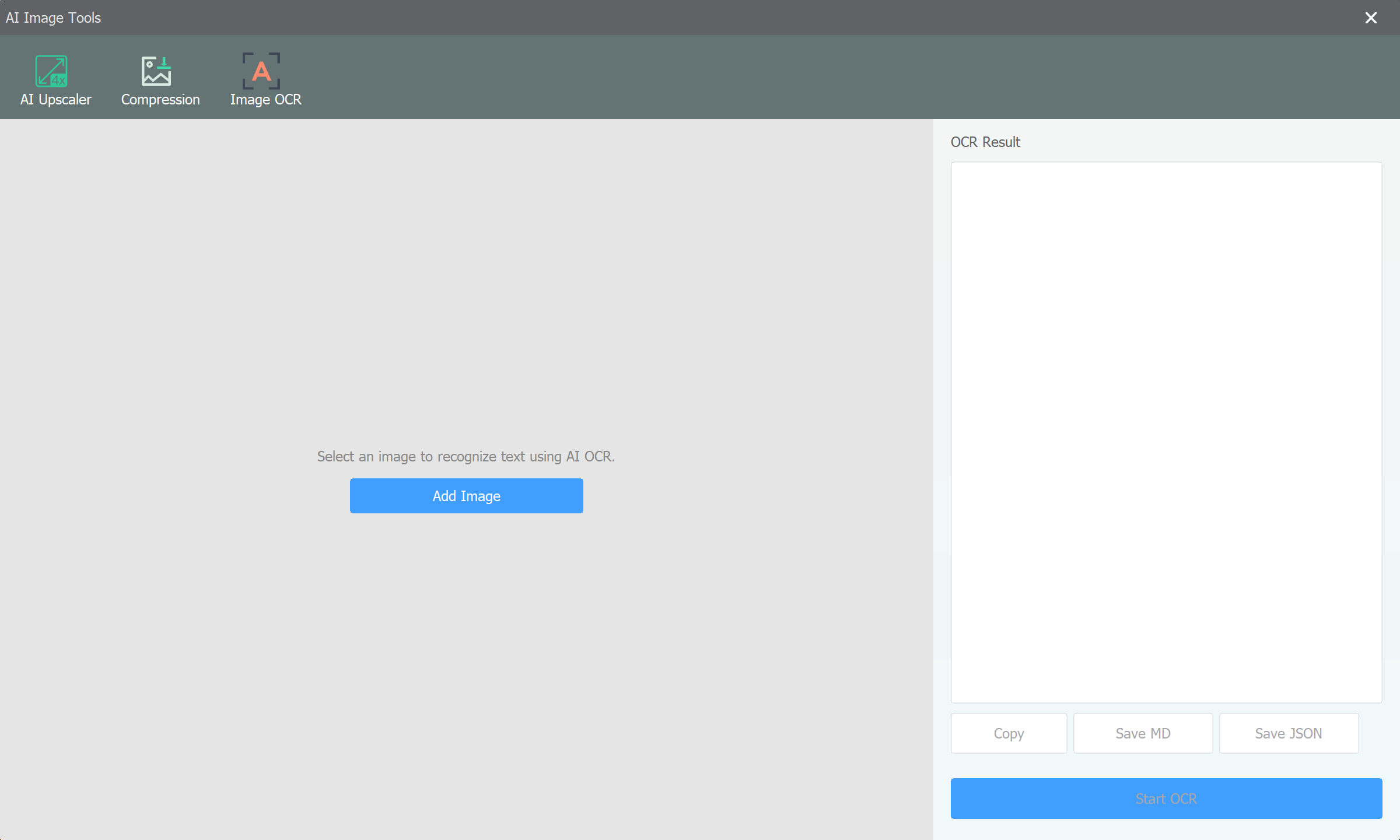
Add Your Image Files
Start by adding the images from which you want to extract text. You can simply drag and drop your files or use the "Add Files" button in the main window. Star Watermark supports a wide range of image formats, including JPG, PNG, and TIFF.
-
Click OCR Recognize
Once your files are added, navigate to the OCR tool and click the "Recognize" button. The software will process your images using advanced AI models and display the extracted text, which you can then copy, edit, or save as needed. It's that simple!
Free Version Availability
The best part? The Image OCR feature is available even in the Free Version of Star Watermark! This allows you to experience the high accuracy of our AI models without any initial commitment. While the free version has a limit on the number of daily recognition counts, it remains a robust tool for casual users and those who want to test the technology before upgrading to a professional plan.
Conclusion
With its high recognition rate and effortless workflow, the new Image OCR feature in Star Watermark is designed to save you time and effort. Whether you're digitizing documents, extracting information from screenshots, or processing scanned notes, our AI-powered tool is here to help. Try it out today and experience the future of image-to-text conversion!